
The DETOUR Act, introduced by Sens. Mark Warner and Deb Fischer, targets bad actors on the web. I need to read through it fully to get a sense of what covered and/or missing, but that this is happening is, I think, a good thing.
The DETOUR Act, introduced by Sens. Mark Warner and Deb Fischer, targets bad actors on the web. I need to read through it fully to get a sense of what covered and/or missing, but that this is happening is, I think, a good thing.
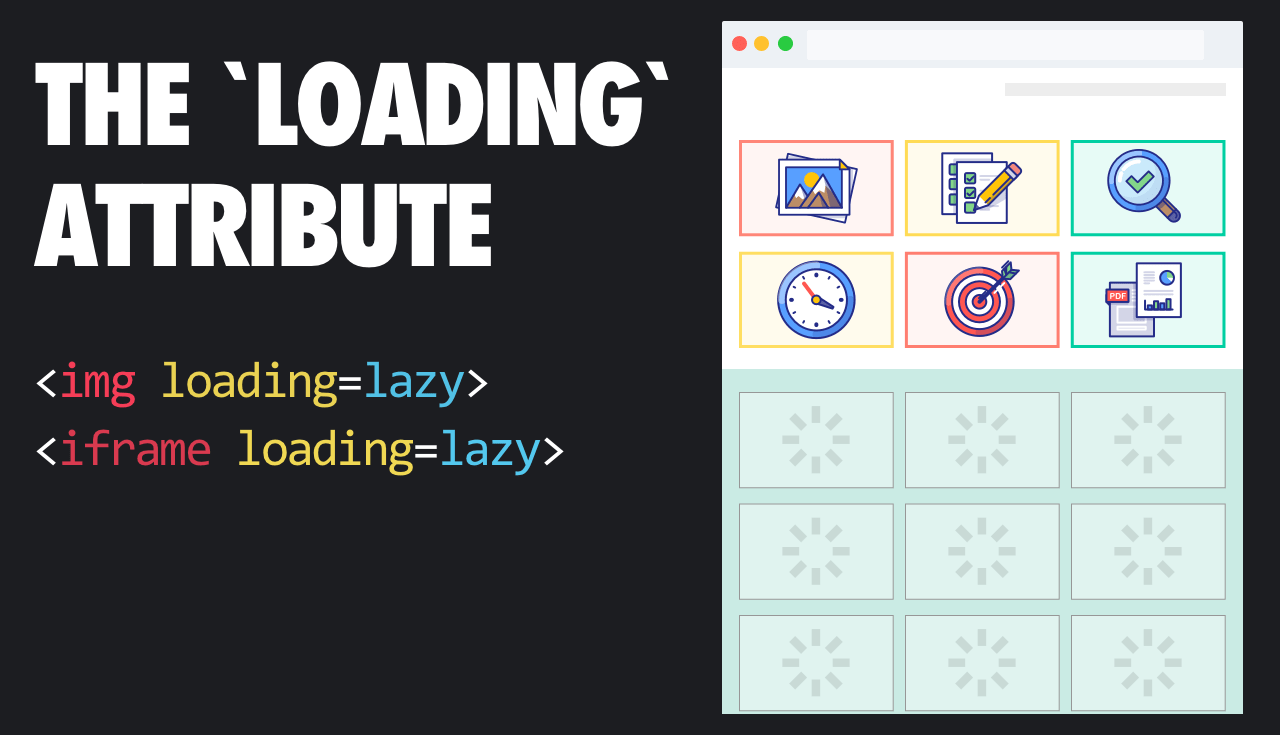
I’m incredibly excited that this feature is shipping in Chromium. It was one of my favorite IE features.
Note: I no longer use “native” in this context, but it remains in quoted material.

I am 100% in favor of social media platforms taking a proactive stance against online harassment, bullying, threats, and the like. Sadly, few are doing much (if anything about it).
Tech companies also need to make their content moderation training materials publicly available so anti-hate advocates and the public can make sure the trainings accurately reflect what we need to feel safe on these platforms. Recent leaks of moderation materials have shown these documents to be woefully inadequate – one leak of a Facebook manual featured passages lifted straight from Wikipedia. When asked for comment by one media outlet, Facebook directed it to the “community standards” document the company released to the public. A $500 billion company such as Facebook should have higher standards than a college freshman rushing to finish a term paper.
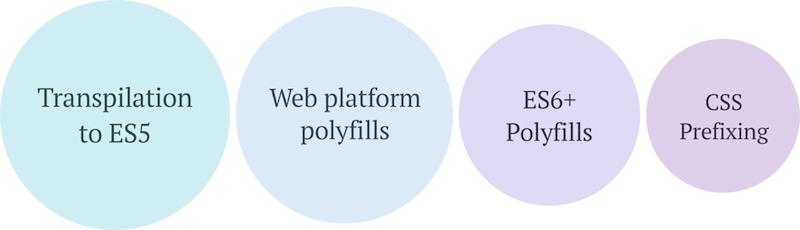
While this approach is total overkill for pretty much anything I build, if you have a lot of JavaScript, especially JavaScript that uses newer language features, you might consider taking an approach like this. IT ensures the broadest level of support for your app without penalizing more modern browsers by making them download polyfills and transpired code they don’t need.
Great work!

I recently asked a friend who happens to be blind if he’d share some sites that were built really well—sites that were beautifully accessible. You know what he said? “I don’t use the web. Everything is broken.”
Everything is broken. And it’s broken because we broke it.
We need to do better.

Dave has an excellent round-up of considerations when looking at your reliance on 3rd party scripts (or any 3rd party resources, for that matter). Most are hidden and all have a serious effect on download performance, UI responsiveness, and, ultimately, user experience.
The Web is an undependable place, so this shouldn’t be very surprising.

This is an excellent overview of the importance of heading levels in HTML and how to wrangle them in your styles.

If you use web fonts, you’ll want to provide a complementary fallback font that won’t cause text to move around a whole lot when the webfoot is loaded. To help you make an informed decision, you need a good tool to compare your options. In fact, you need this tool.
Thank you Monica!

This is a truly interesting piece about automating your job, looking at it from the perspectives of several developers (and some generalized workers who learned to code) who automated their job’s mundane tasks. There are a lot of big questions here. Perhaps the biggest is What is the true value of work?

This is a deep dive into how to un-style a button. In other words, how to make a button look like a link. It isn’t something you’d want to do all the time, but it does have its usefulness in select situations.
Thanks for putting this together Scott!